
GitHub Actions Deployment
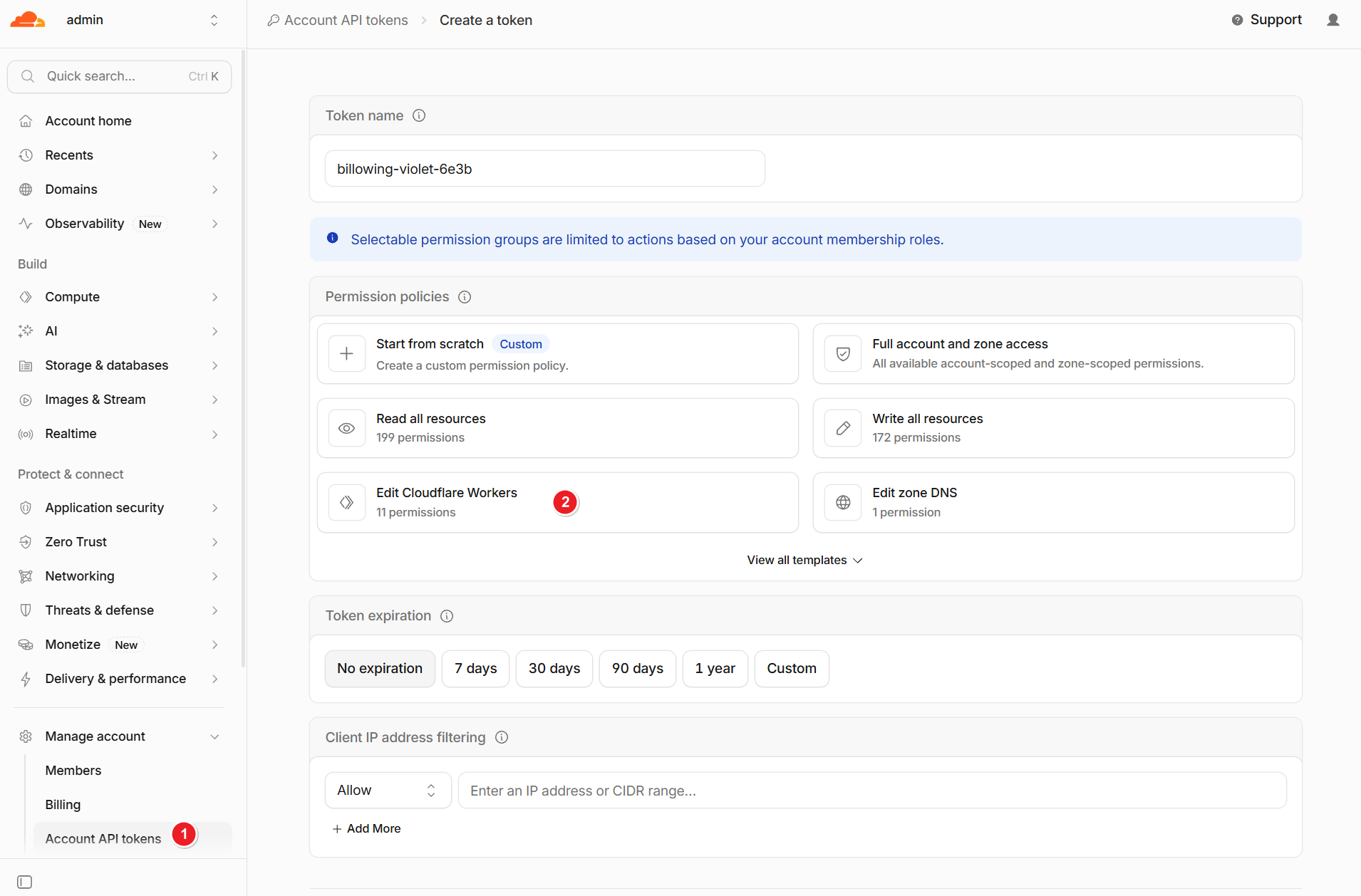
Create an API Token
Create an API token using the Workers template.
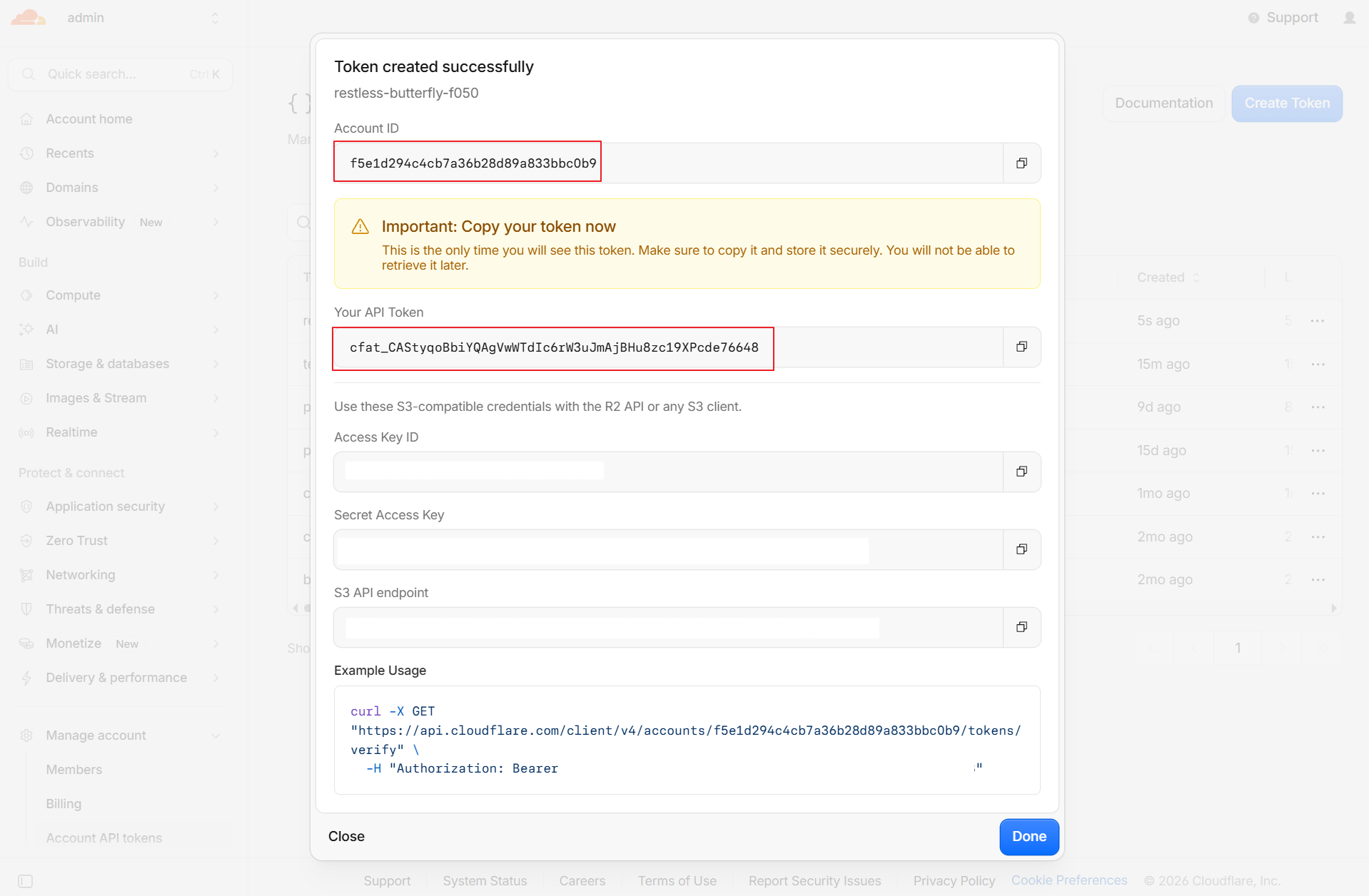
Copy your account ID and API token.
Environment Setup
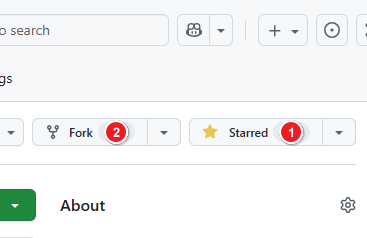
Fork the repository: https://github.com/maillab/cloud-mail
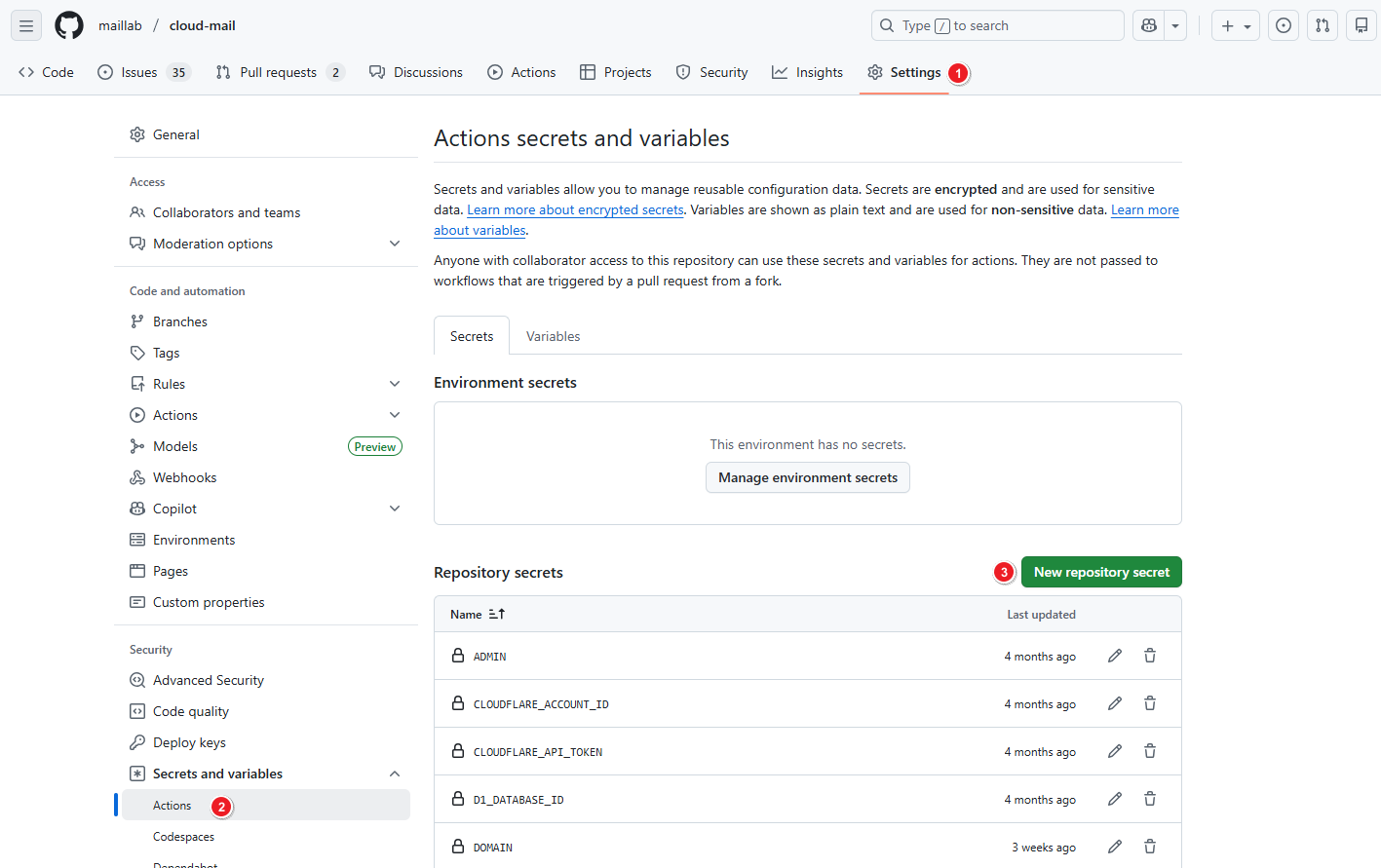
Add the following GitHub Actions secrets or variables.
| Variable Name | Required | Description |
|---|---|---|
| CLOUDFLARE_API_TOKEN | ✅ | Cloudflare API token |
| CLOUDFLARE_ACCOUNT_ID | ✅ | Cloudflare account ID |
| CUSTOM_DOMAIN | ✅ | Custom domain used to access the website, e.g., skymail.ink |
| DOMAIN | ✅ | Email domains, e.g., ["example.com", "example2.com"] |
| ADMIN | ✅ | Administrator email address, e.g., admin@example.com |
| D1_DATABASE_ID | ✅ | D1 database ID. See Dashboard - Bind Databases. |
| KV_NAMESPACE_ID | ✅ | KV namespace ID. See Dashboard - Bind Databases. |
| JWT_SECRET | ✅ | JWT secret key. Enter a random string without special characters. |
| NAME | ❌ | Worker project name. Defaults to cloud-mail. |
Deployment
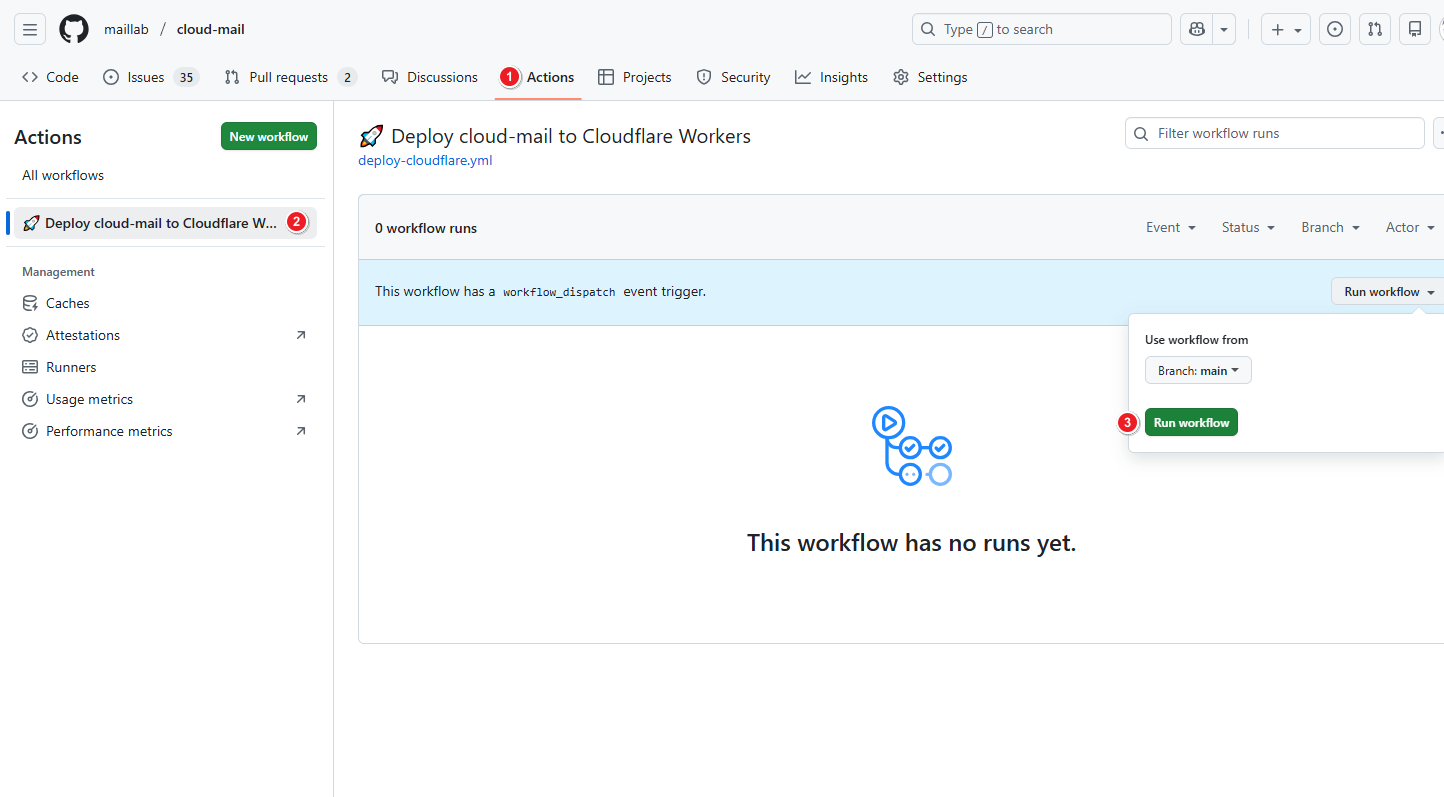
Run the GitHub Actions workflow.
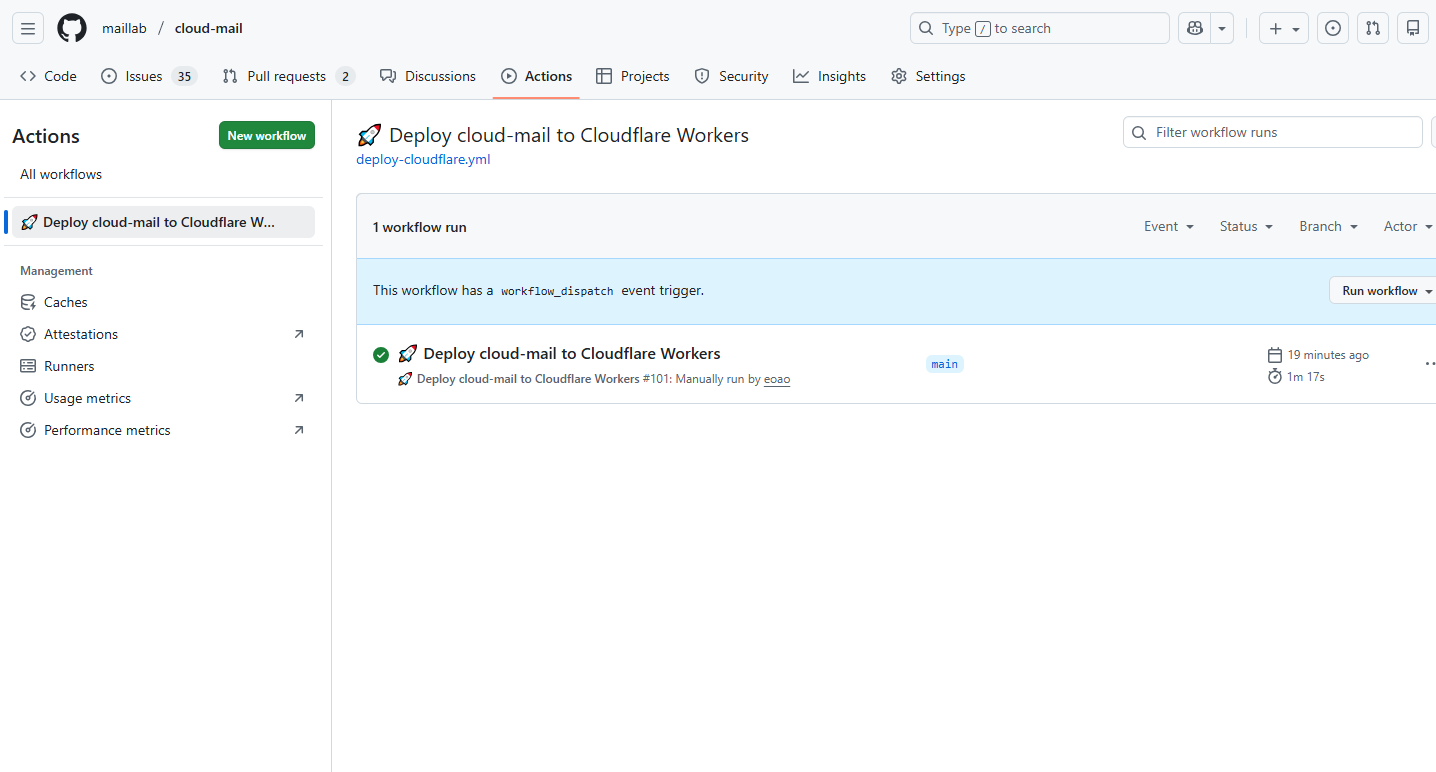
Wait for the workflow to complete.
Configure Email Forwarding
Follow the Configure Email Forwarding steps in the Dashboard deployment guide.
Open your custom domain in a browser, register an administrator account, and log in.
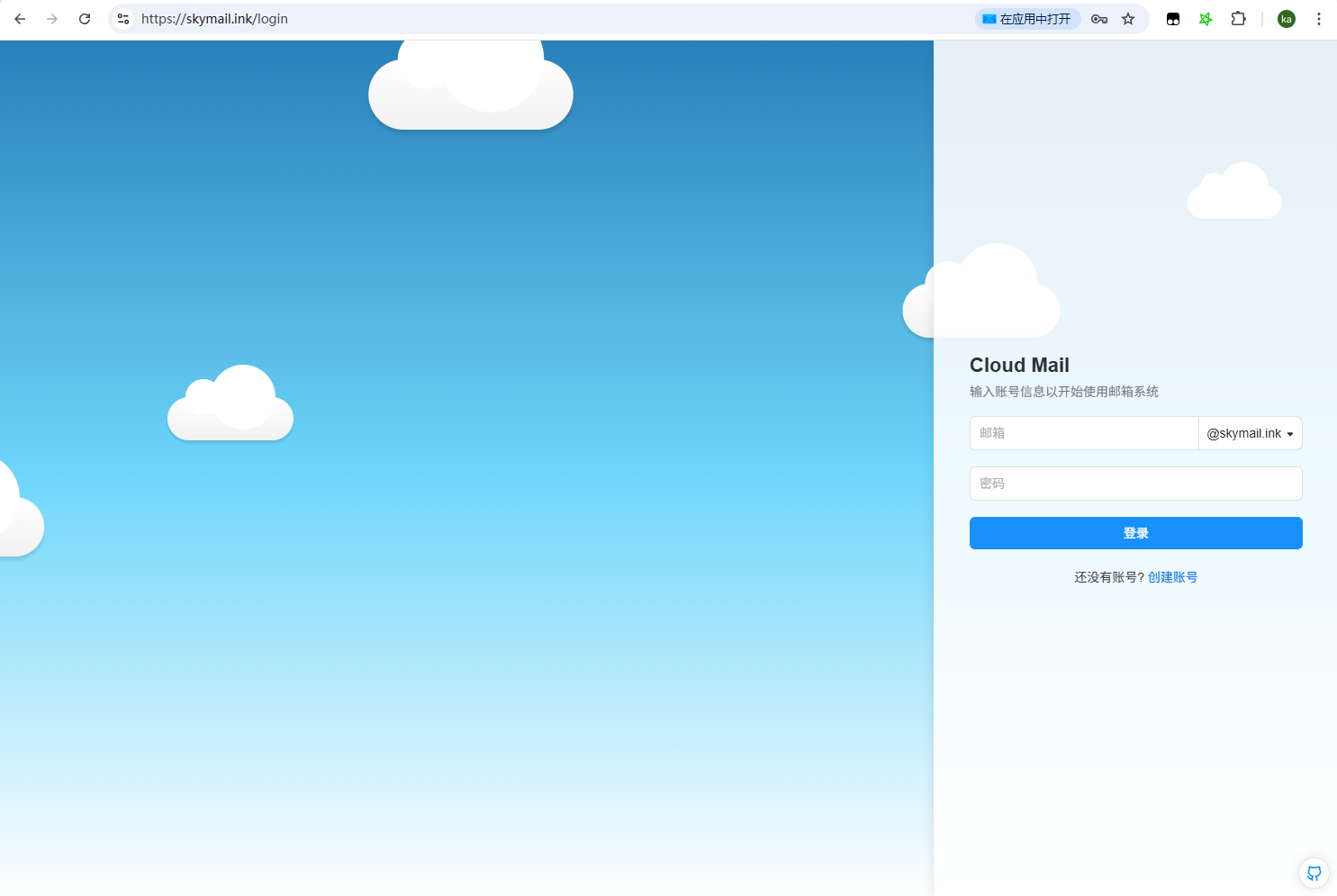
Deployment complete!